
Smart Whiteboard - Digital Classes Solution
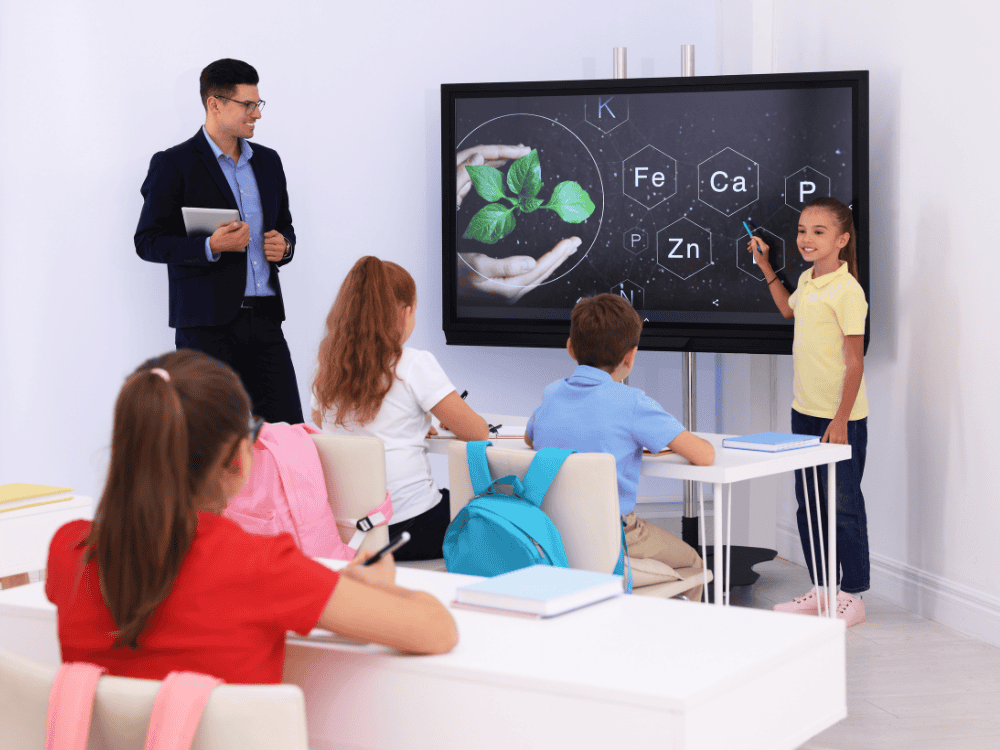
We supply smart boards for classroom teaching across Malaysia, to schools, colleges, universities and tuition centres. A smart board replaces the whiteboard and the projector with a single touchscreen: teachers write on it directly, pull up teaching resources, mirror a student’s tablet to the front of the room, run a remote lesson, and save the whole session at the end.
We install the interactive screen, train your teaching staff on it, and support it afterwards. The training is the part that decides whether it is still being used properly in year two.
Features
The features below highlight the key functionalities and benefits of our Smart Whiteboard – Digital Classes Solution,
showcasing how they enhance performance, usability, and overall experience.

Intelligent Electronic Whiteboard
Support multiple functions such as writing, painting, annotation, erasure, rotation, etc.

Enrich Teaching Resources
Cover teaching courseware for children, primary schools, junior high schools, and various disciplines.

Screen Mirror
Support transmitting mobile phone, pad and computer images to the all-in-one screen.
Distance Video Teaching
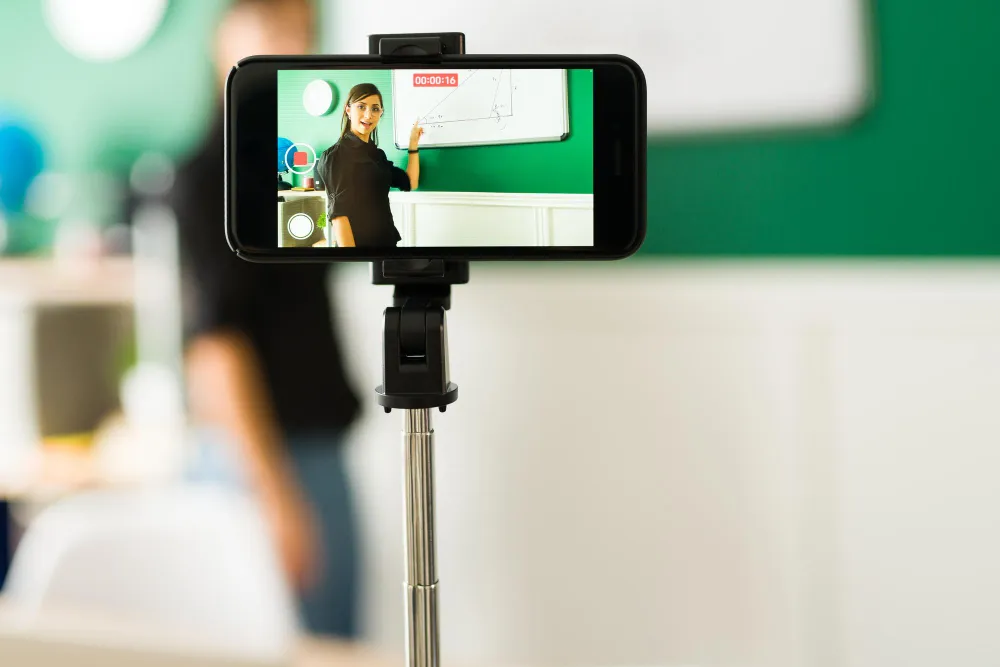
Built-in remote video software, initiate screen sharing, real-time synchronous two-way call, remote live teaching.
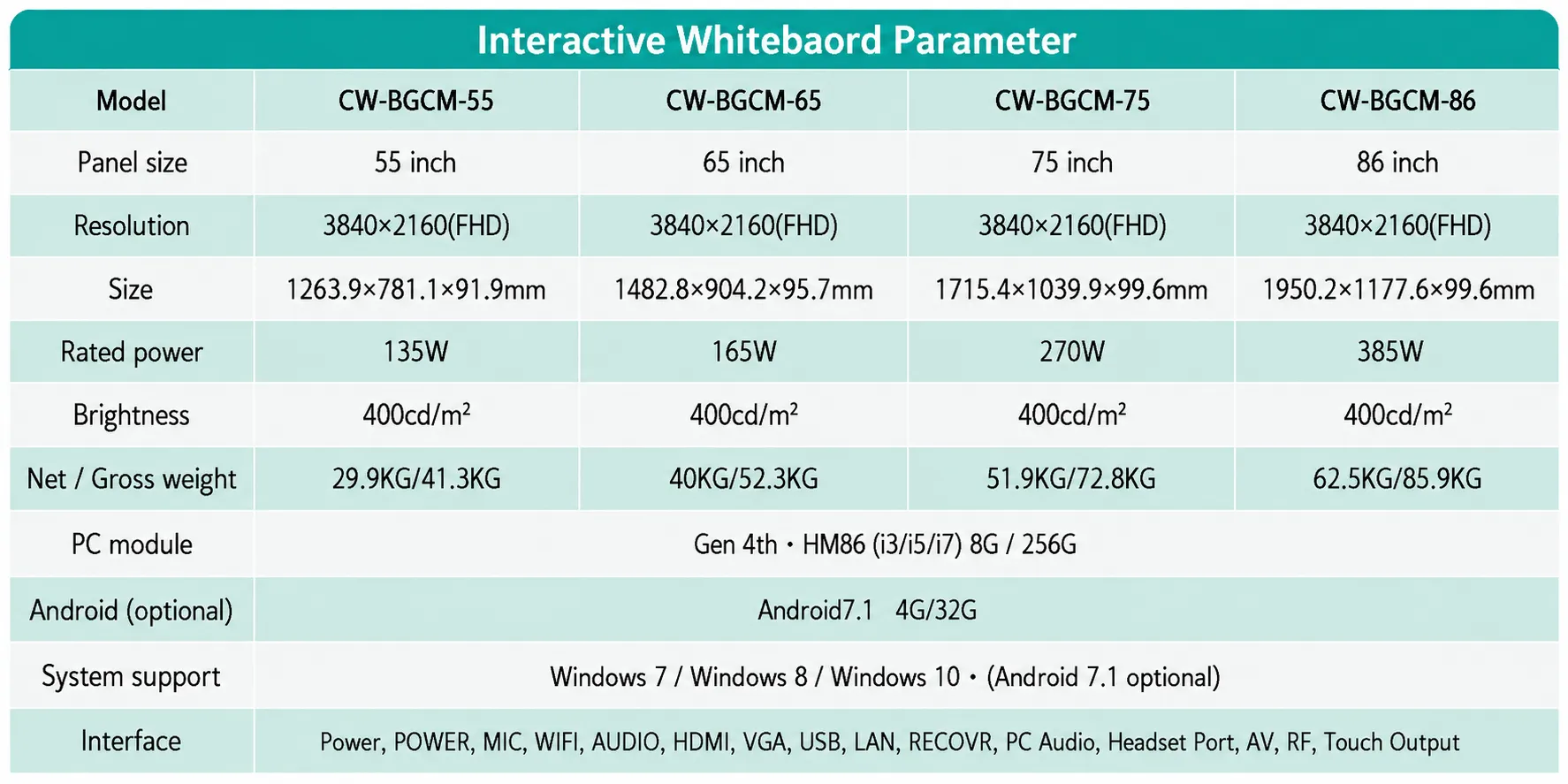
Available Sizes
The Interactive Smart Board Built for Teaching
An interactive smart board is a self-contained touchscreen display with the computer built in. Unlike a projector-based interactive whiteboard, it needs no dimmed room, no lamp replacement and no calibration, and unlike a television it responds to touch, so the surface is an input as well as a display.
The most common purchasing mistake in schools is buying too small. Text sized comfortably for the front row is unreadable from the back, and a panel that the back third of the class cannot read stops being used within a term. Measure to the back row, not to the middle.
Smart Multimedia Classroom
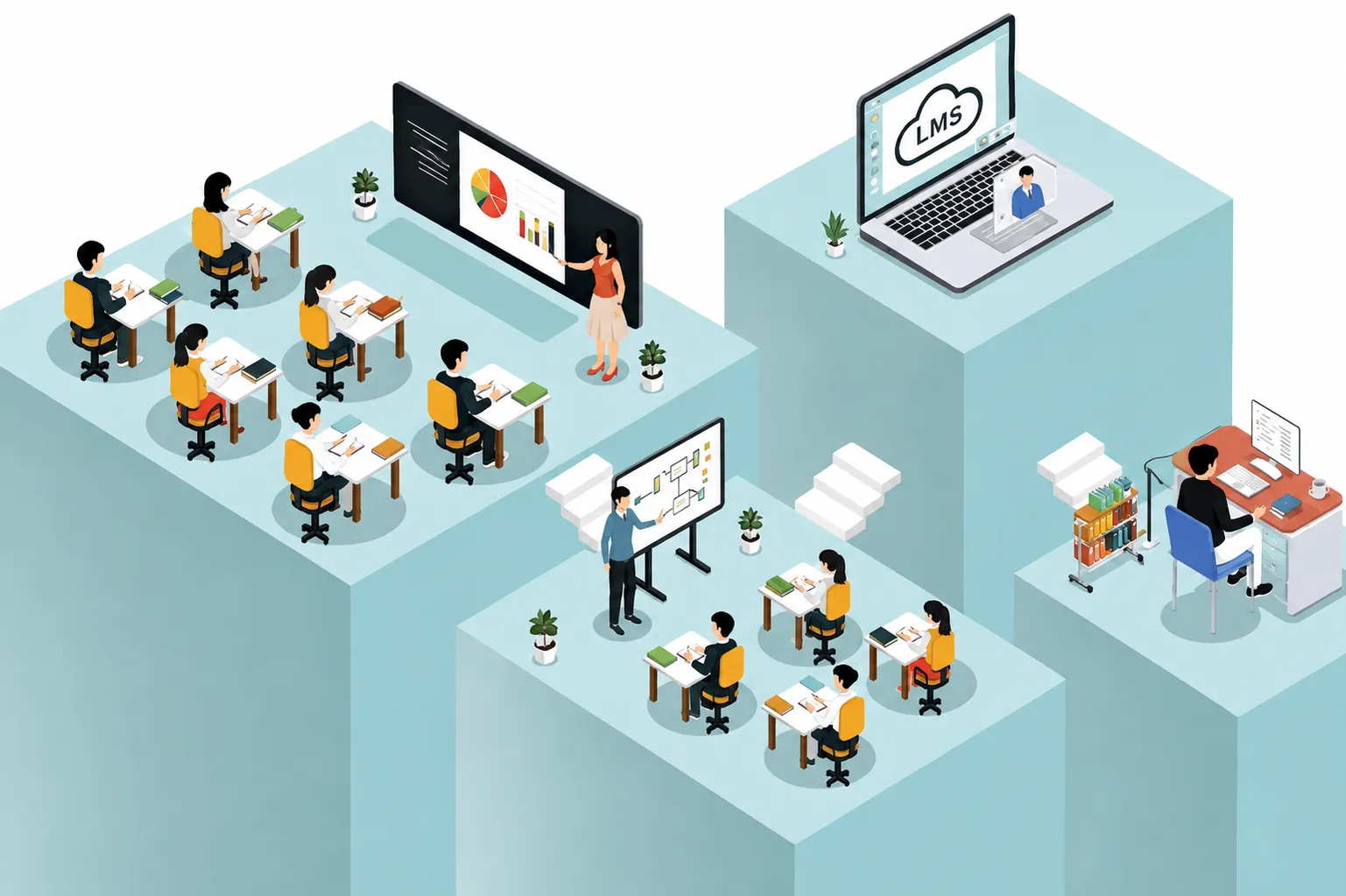
The multimedia classroom, with intelligent teaching tools at its core, is dedicated to empowering the integrated teaching classroom. Its core characteristics are interaction, openness, interdisciplinary practice-oriented, and digitalization through interactive screen.
The practical difference is not the size of the display. It is that the surface responds. A teacher writes as they always have, but the writing is saved and can be sent to a student who was absent. A worksheet is marked up live in front of the class rather than described. A student’s tablet is mirrored to the front, so their working becomes the lesson rather than something only the teacher sees. A guest speaker joins by video without anyone booking a room or moving a class.
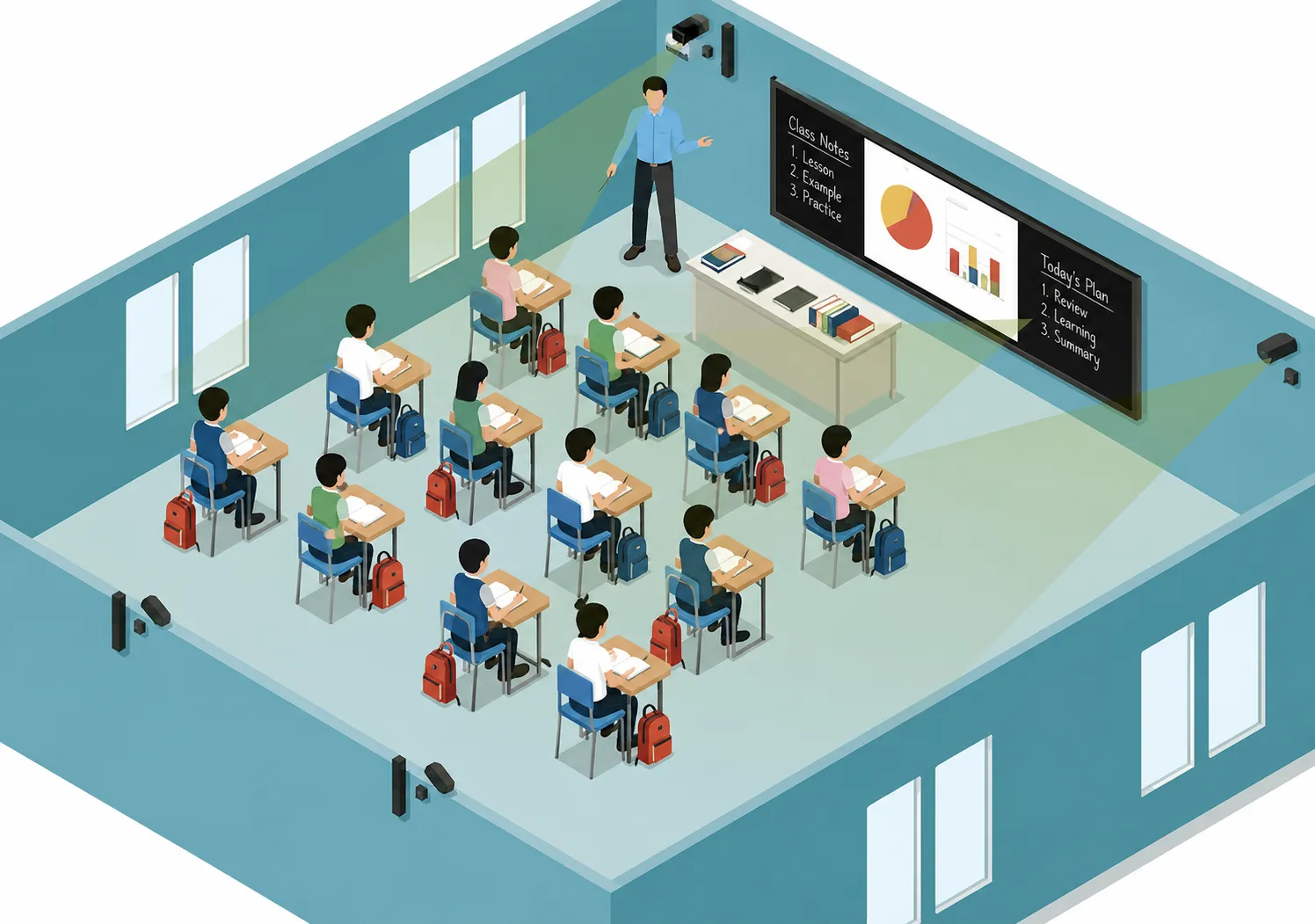
Recording and Broadcasting Cloud Classroom
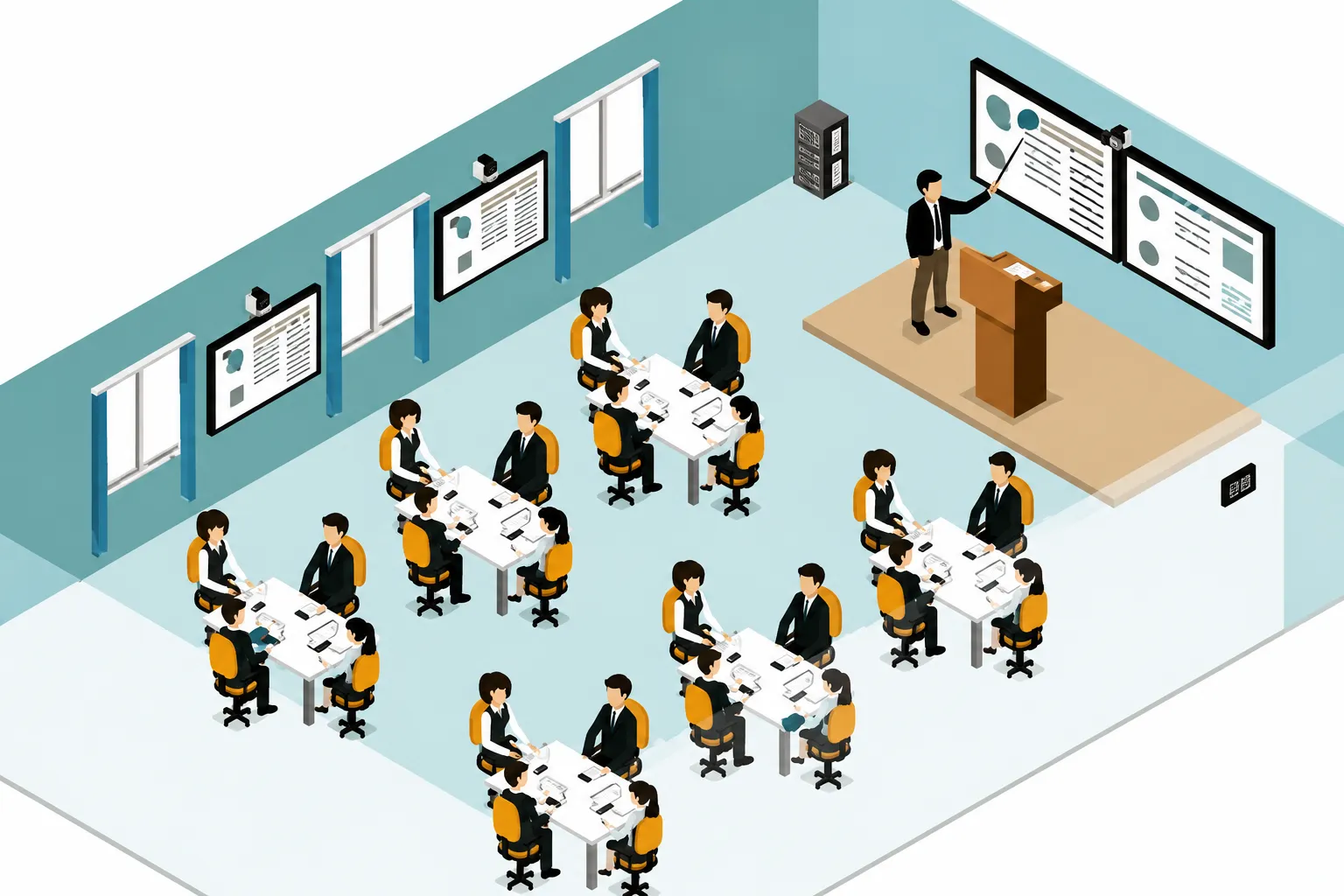
Video Cloud Classroom will capture and record the teaching process and teacher scenes in real-time. Learners can access the classroom through mobile devices such as mobile phones, computers, iPads, etc., for live broadcast or on-demand.
The classroom system captures the lesson as it happens, both the teaching content on screen and the teacher, and makes it available afterwards for live streaming or on demand. Students access it from a phone, laptop or tablet. This matters in three specific situations. A student who is absent catches up on the actual lesson rather than borrowing notes. Revision before examinations works from the real explanation rather than a summary. And a school running the same syllabus across several branches can record once and share properly, instead of each teacher rebuilding the same lesson.
Interactive Smart Board
Applications in Malaysia
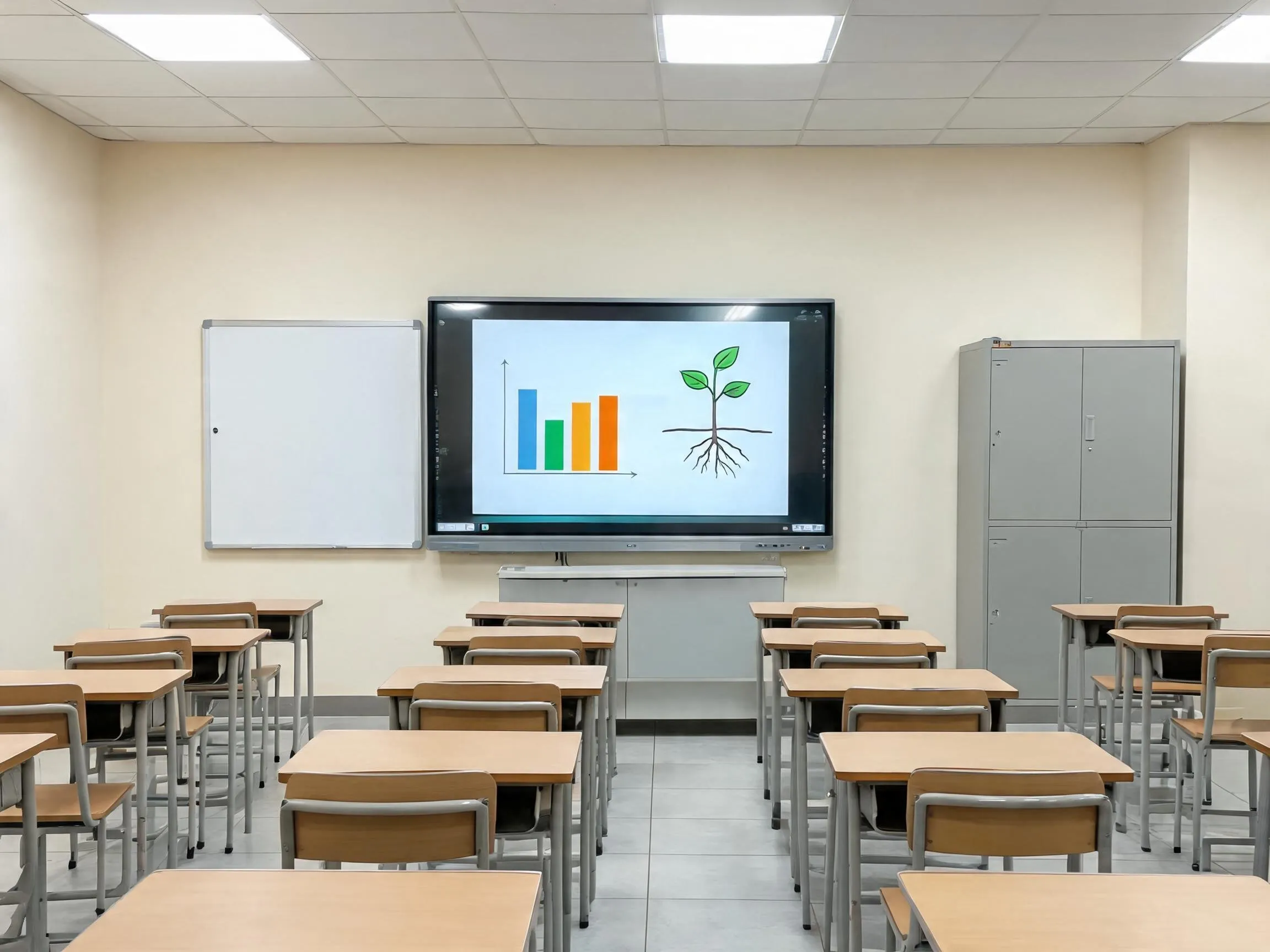
Government & National Schools
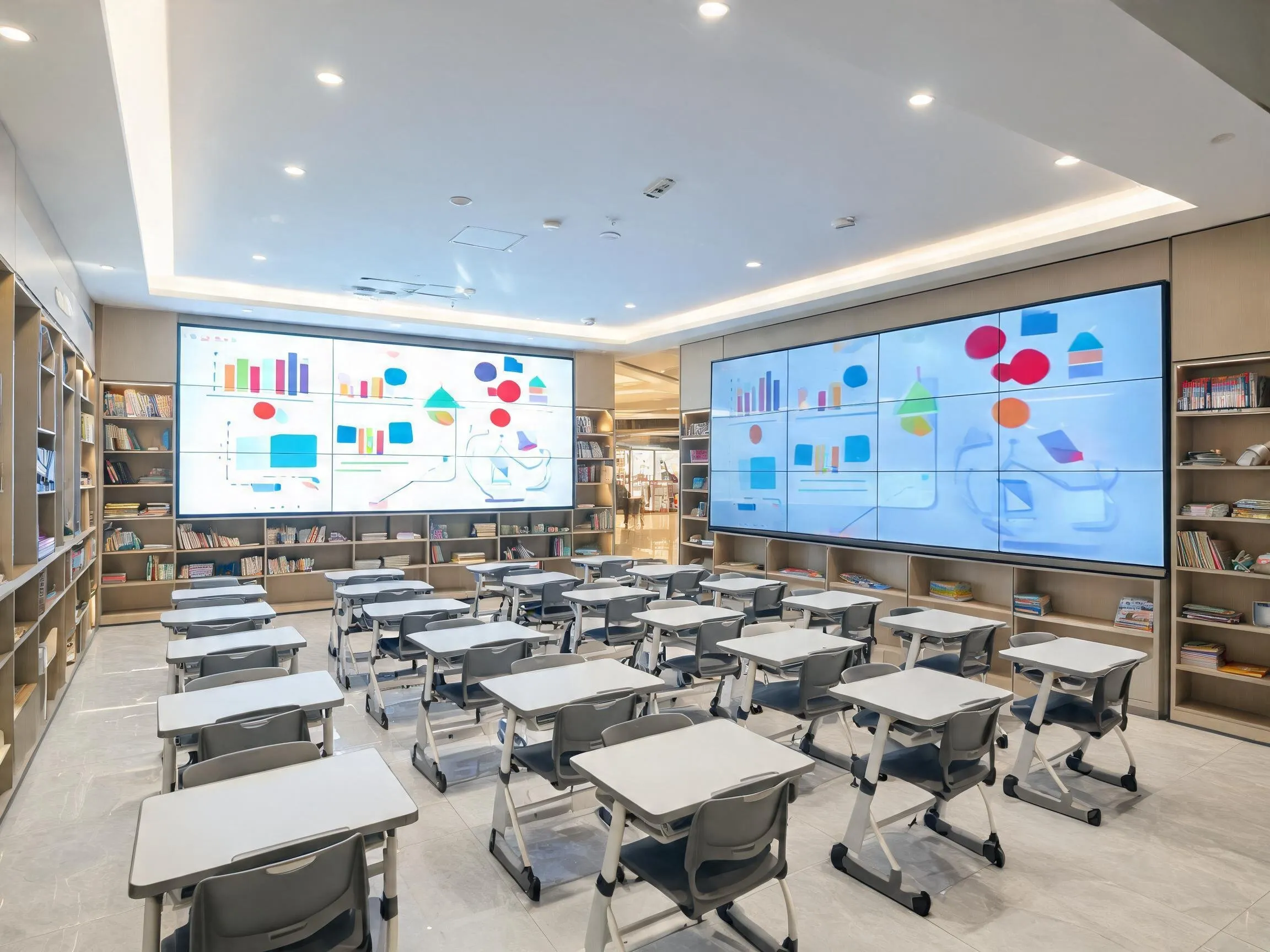
Private & International Schools
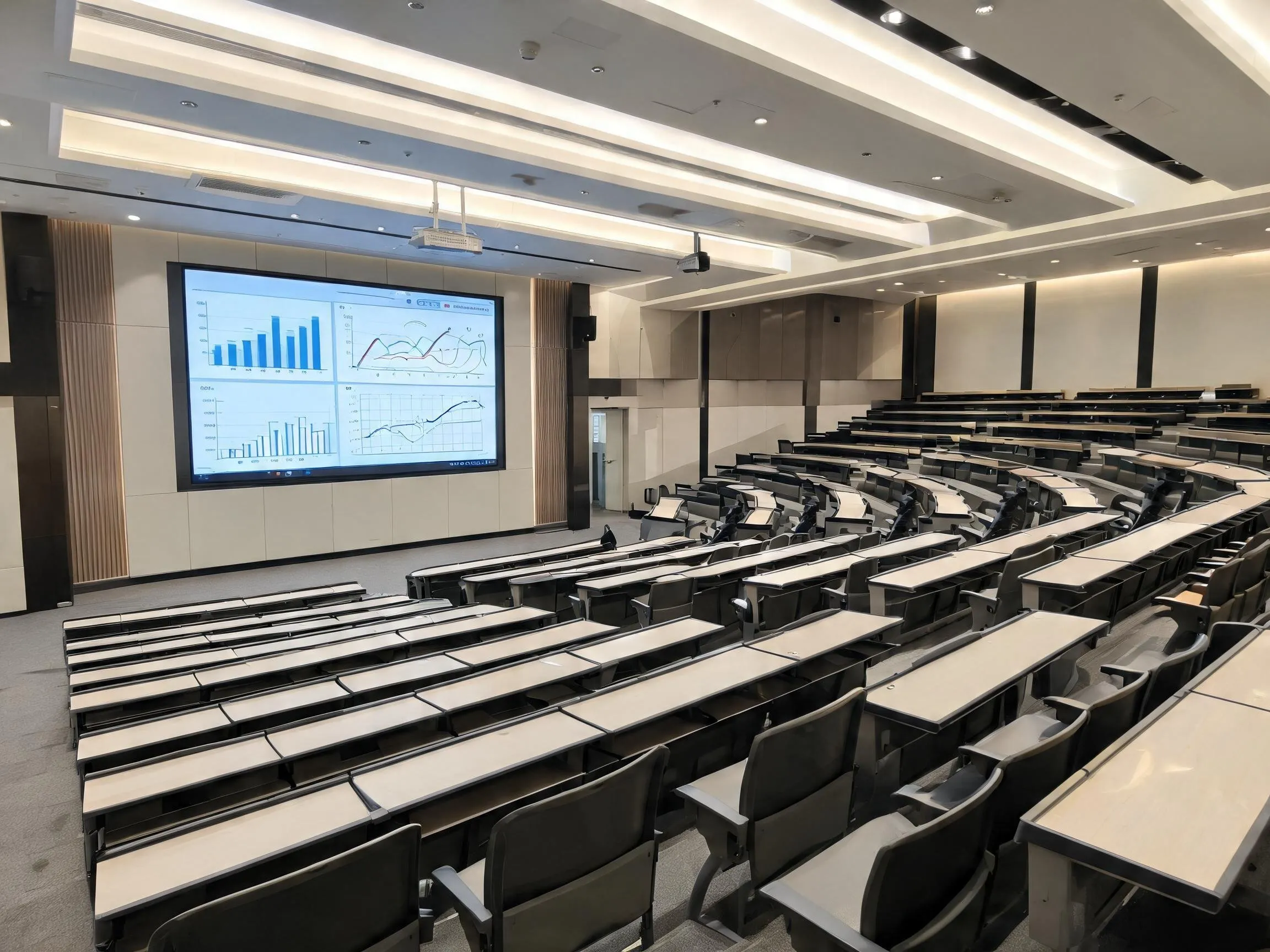
Colleges & Universities
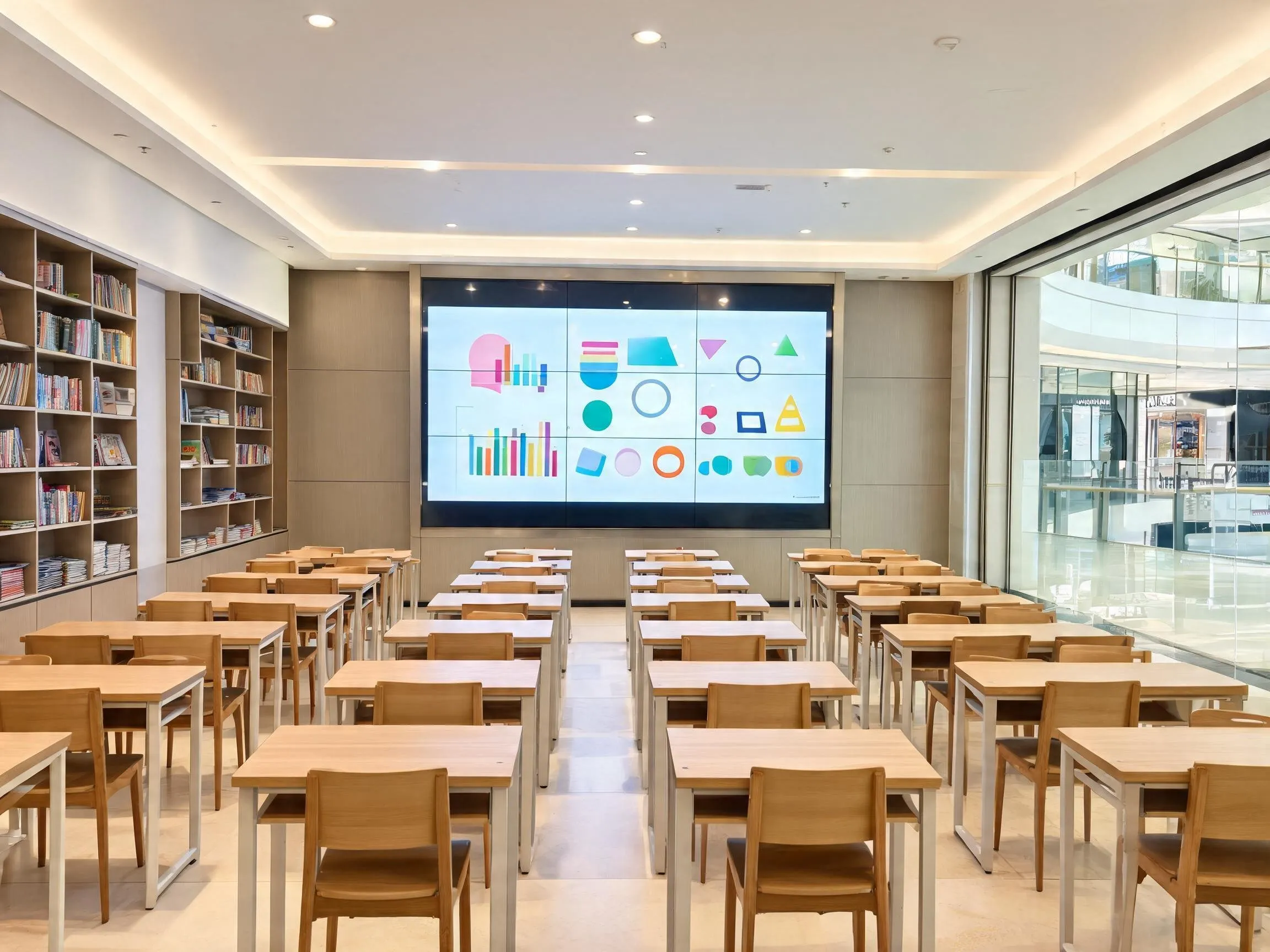
Tuition & Enrichment Centres


Frequently Asked Question About Smart Boards for Classroom
What is a smart board for classroom use?
A classroom smart board is a large interactive touchscreen that replaces the whiteboard and projector. Teachers write on it directly with a pen or finger, display and annotate teaching materials, mirror content from student devices, run remote lessons and save the session afterwards. It is also called an interactive flat panel.
What size smart board does a classroom need?
Measure to the back row rather than the middle of the room. A 65″ panel suits tuition centres and small classrooms, 75″ suits a standard classroom, and 86″ suits large classrooms and lecture theatres. Buying too small is the most common mistake, because a panel the back third of the class cannot read stops being used.
Can lessons be recorded?
Yes. The system captures both the on-screen content and the teacher, and makes the lesson available for live streaming or on demand afterwards.